
Beam 3d Timoshenko Beam
 (0/0)
(0/0)
Description
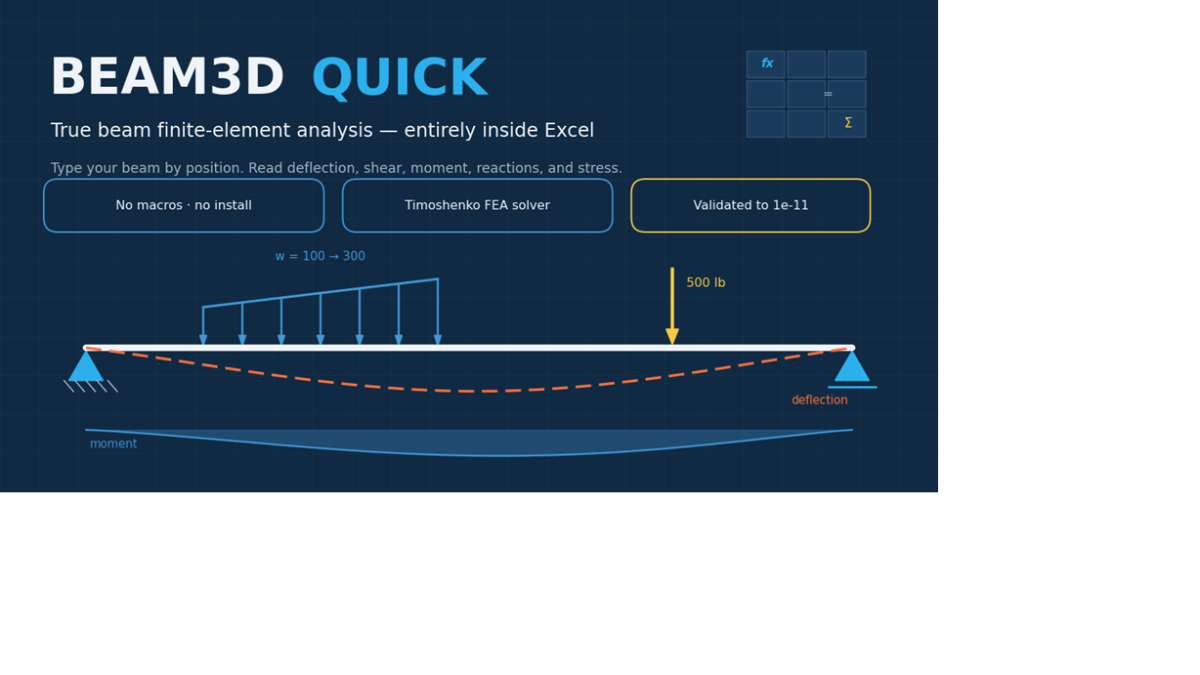
Beam3D Quick is a macro-free Microsoft Excel workbook that puts a true finite-element beam solver behind a one-page input form. Describe your beam the way you think about it — length, supports (fixed, pinned, roller, or spring), point and distributed loads by position, even linearly varying loads — and the workbook meshes it into 99 Timoshenko beam elements and solves the full 3-D stiffness system right in the spreadsheet: no add-ins, no VBA, nothing to install. You get live shear, moment, deflection, rotation, and reaction diagrams in both bending planes, a labeled sketch of your model as you build it, results at any location you type in, and von Mises stress recovery at automatically generated section points. Nine parametric cross-sections are built in (rectangles, tubes, I-beams, channels, tees, angles, and more), up to ten different sections and materials can be mixed along one beam, and fully custom profiles are supported with user-defined properties and stress points — with a worked example showing exactly how. Because it's Timoshenko-based, shear deformation is included, which matters for deep or short beams and is neglected by ordinary beam tables. Every release is validated against closed-form textbook solutions and independent finite-element runs — the complete benchmark tables ship inside the workbook, so you can audit the accuracy yourself. A companion Pro edition exposes the full node-and-element model for power users, sharing the same verified engine.
Calculation Preview
(0/0)
Full download access to any calculation is available to users with a paid or awarded subscription (XLC Pro).
Subscriptions are free to contributors to the site, alternatively they can be purchased.
Click here for information on subscriptions.